SSourcebound Prep

Get the app

Sourcebound Prep on your phone, no app store needed.

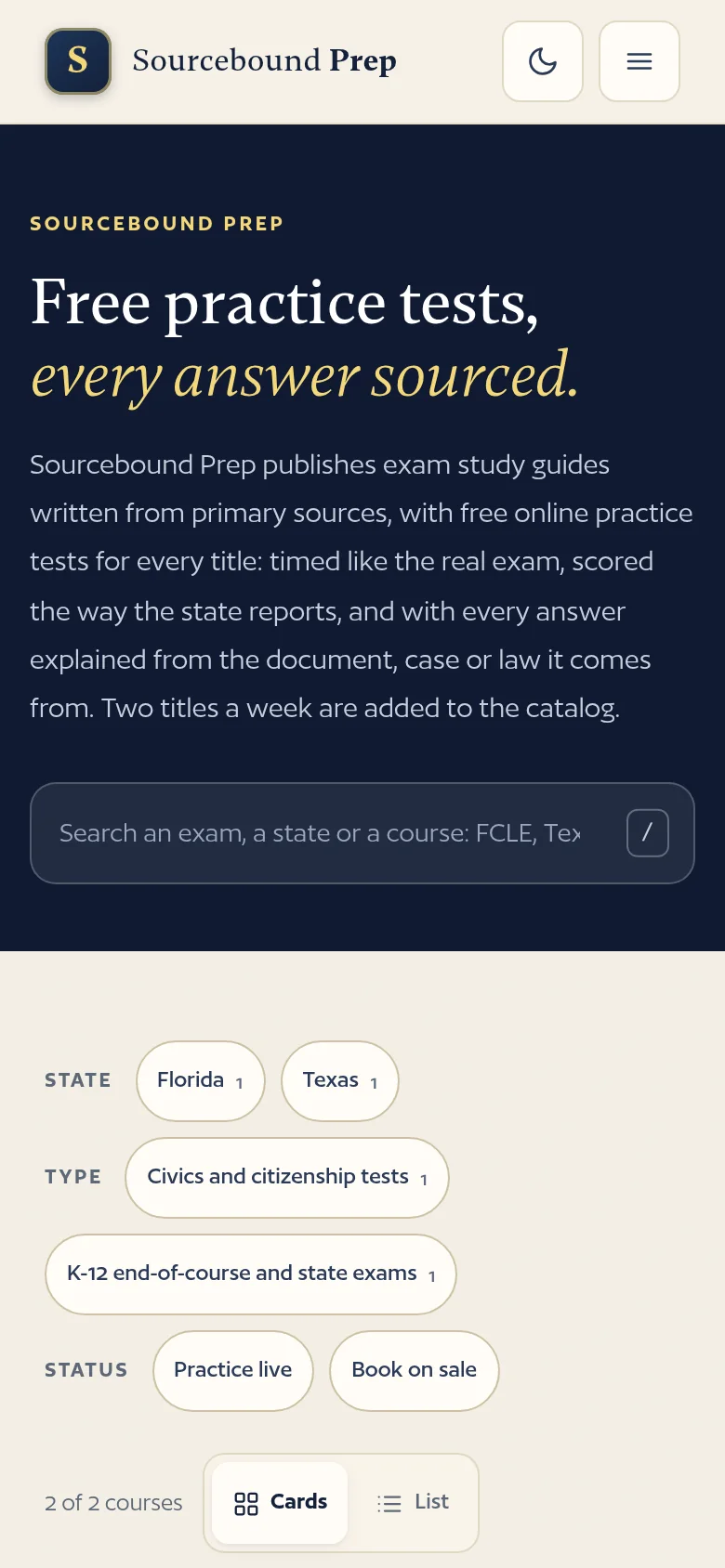
Add the site to your home screen from the browser you already use. It opens full screen like any app, and the practice tests, quick checks and flashcards of every course you have opened keep working without a signal.

  • Works offlineOpen a course once while online; its questions stay on your phone.
  • Free, no accountNothing to sign up for and nothing to buy. No app store, no download to wait for.
  • Your progress stays with youScores, streaks and flagged questions are saved on your device and never sent anywhere.
  • Always currentNew questions and corrections arrive the next time you open it with a connection.

From the catalog you add Sourcebound Prep itself; from a course page you add that course with its own icon. You can have both.

The app is free

The book is the whole course on paper.

Three full-length tests with a bubble sheet, four review chapters, quick-review sheets and the glossary, for the price of a paperback. The app and everything on this site stay free alongside it.

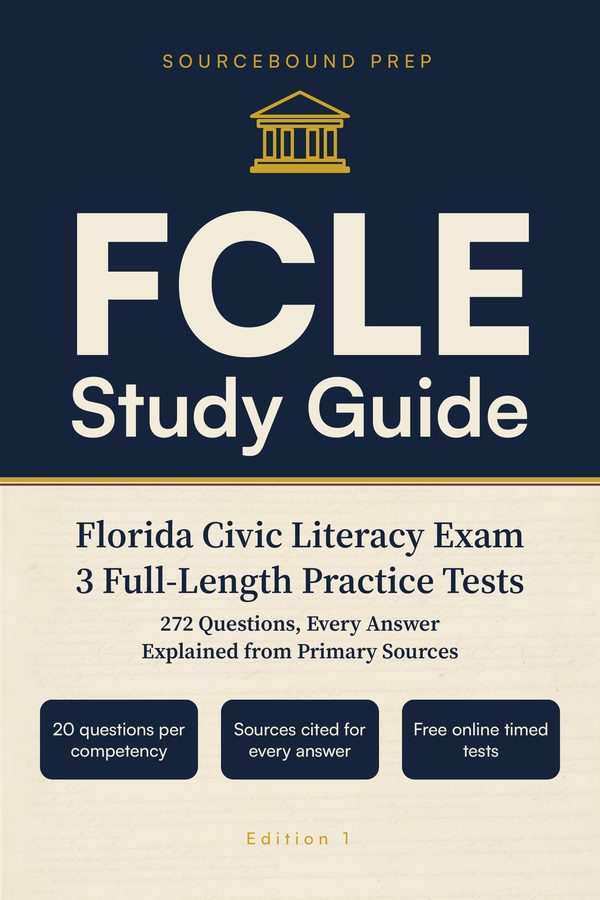
Front cover of FCLE Study Guide

Florida · Civics and citizenship tests

FCLE Study Guide

Three full-length tests, every answer explained from its source, four review chapters, quick-review sheets and a glossary that doubles as a flashcard deck.

$24.99 paperback · $9.99 Kindle

Read a free sampleComing to Amazon late 2026Free practice
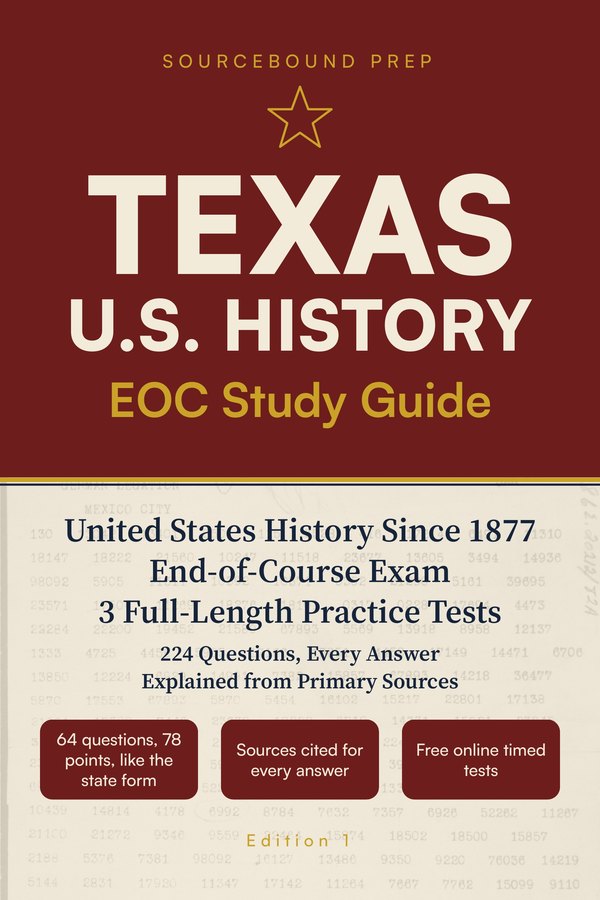
Front cover of Texas U.S. History EOC Study Guide

Texas · K-12 end-of-course and state exams

Texas U.S. History EOC Study Guide

Three full-length tests, every answer explained from its source, four review chapters, quick-review sheets and a glossary that doubles as a flashcard deck.

$24.99 paperback · $9.99 Kindle

Read a free sampleComing to Amazon late 2026Free practice

Good to know

Questions people ask before they add it.

Is it a real app?

It is this website installed as an app (a web app). Same courses, same free practice; it opens full screen with its own icon and works offline. There is nothing to download from an app store and nothing to update by hand.

What works offline?

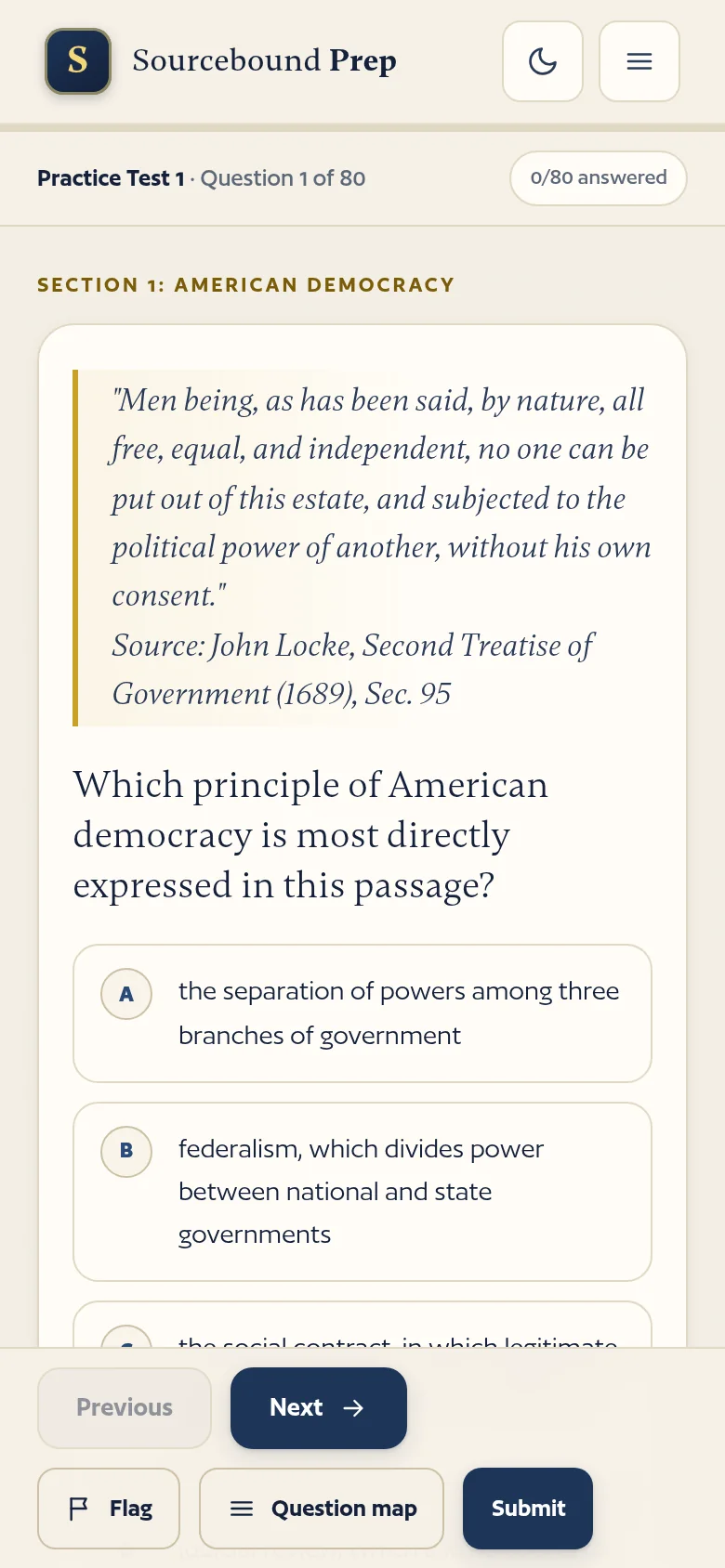
Any course you have opened while online: its practice tests, quick checks, study mode and flashcards. Fact pages and the book page need a connection the first time. Open a course once before you lose signal.

Where is my progress?

On your device, in the browser's storage, exactly as on the website; nothing is sent to us. On an iPhone the installed app and Safari keep separate progress; on Android and on a computer the installed app shares Chrome's. Clearing the browser's site data removes it.

I do not see Add to Home Screen or Install.

Use Safari on an iPhone or Chrome on Android. If you opened the link inside another app (Instagram, Facebook, a mail app), use its "open in browser" option first. On a computer, Chrome and Edge install web apps; Firefox does not. Check that the address is sourceboundprep.com.

Add one course or the whole site?

Both work. From the catalog you add Sourcebound Prep, which opens on the course list. From a course page you add that course alone, with its own name and icon, opening straight into its practice tests. You can keep more than one.

How do updates arrive?

Automatically. The next time you open the app with a connection it fetches new questions, corrections and improvements; a new version may ask for one refresh.

How do I remove it?

iPhone: touch and hold the icon, Remove App, then Delete. Android: touch and hold the icon, then Uninstall or Remove. Computer: open the app, use the menu at the top of its window, then Uninstall. On an iPhone, removing the app also removes its saved progress.

Does it cost anything or need an account?

No, and no. The practice is free with no sign-up, in the app and on the website alike.

How much space does it use?

A course is a few megabytes, less than a short video. The app keeps only the courses you have opened.

Prefer the website in a browser tab? Everything here works there too; the app is the same site with an icon and offline practice.